AI workflow automation connects forms, CRMs, ERP or Field Service Management (FSM) portals, inboxes, documents, approvals, and operational dashboards so routine work runs without copy-paste. One Smart Sheep maps scope, configures integrations, tests edge cases, and deploys secure, web-accessible workflows for teams that need traceable operations.
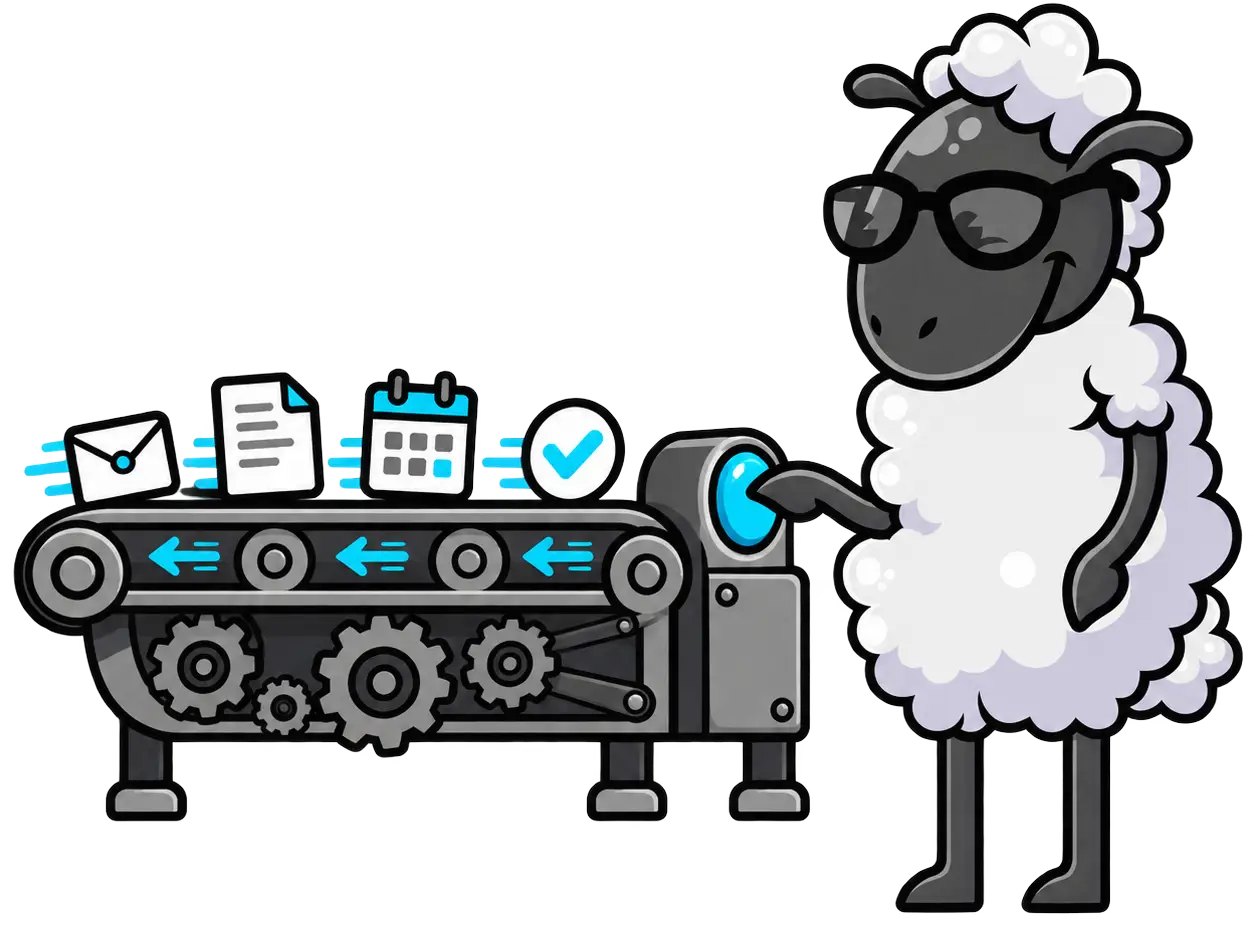
Manual operational workflows usually are not complex. They are constant: re-entering vendor or client details, moving requests from forms into ERP/FSM portals, forwarding inbox messages, routing approvals, updating dashboards, and rebuilding reports.
For contractors, public-sector vendors, and operations teams, those delays affect bid responses, service dispatch, asset tracking, document routing, automated invoicing, and reporting visibility.
The real cost of manual workflows is duplicate data entry, approval delay, audit gaps, missed handoffs, and work that cannot be tracked when a technical proposal or client request needs clear evidence.
We document the scope of work, triggers, owners, data fields, user roles, and exceptions. That map shows which steps belong in an ERP platform, FSM portal, operational dashboard, or simple automation.
We design secure web-accessible workflows around the tools you already use. CRMs, inboxes, calendars, forms, spreadsheets, ERP/FSM portals, and APIs are connected so requests, records, and approvals move with traceability.
We configure triggers, routing rules, AI steps, role-based notifications, reporting views, and fallback paths, then validate them against real inputs before launch.
We deploy the workflow, document what changed, train users, and monitor production runs. When a rule, volume, or procurement requirement changes, we adjust the system.
Everything below is built for operational use, technical proposals, and handover.
A before-and-after workflow map with scope, triggers, user roles, systems, exceptions, and handoffs.
Production workflows that route requests, update records, generate documents, trigger approvals, or support automated invoicing.
Connections between CRMs, inboxes, forms, spreadsheets, ERP/FSM portals, operational dashboards, and custom APIs.
Role-based access, validation rules, and fallback paths so exceptions surface to the right person.
Operational views, run logs, success signals, failure alerts, and reporting outputs for managers or proposal evidence.
A practical handover for users, administrators, and stakeholders whose approvals, dispatching, or reporting changes.
Ongoing tuning as workflow volume, public-sector requirements, business rules, or edge cases change.
Effective AI workflow automation does not add a dashboard to babysit. It centralizes the work: intake routes, records update, approvals escalate, asset activity is tracked, invoices generate, and reporting stays visible.
The best fit is a process with clear inputs, roles, compliance needs, and repeatable handoffs.
Case intake, document routing, approvals, and matter-status dashboards
Referral intake, appointment reminders, form processing, and compliance-aware task alerts
Document collection, data validation, reconciliation support, and recurring reporting
Lead routing, transaction coordination, permit or inspection tracking, and document workflows
Order intake, file opening, closing package assembly, and status dashboards
Field Service Management portals, dispatching, asset tracking, and progress reporting
Dispatch management, technician assignment, automated invoicing, and customer follow-up
We can review the operation, proposal requirement, or internal workflow and identify the first automation that should be documented, built, and deployed.
Related AI and Portal Services